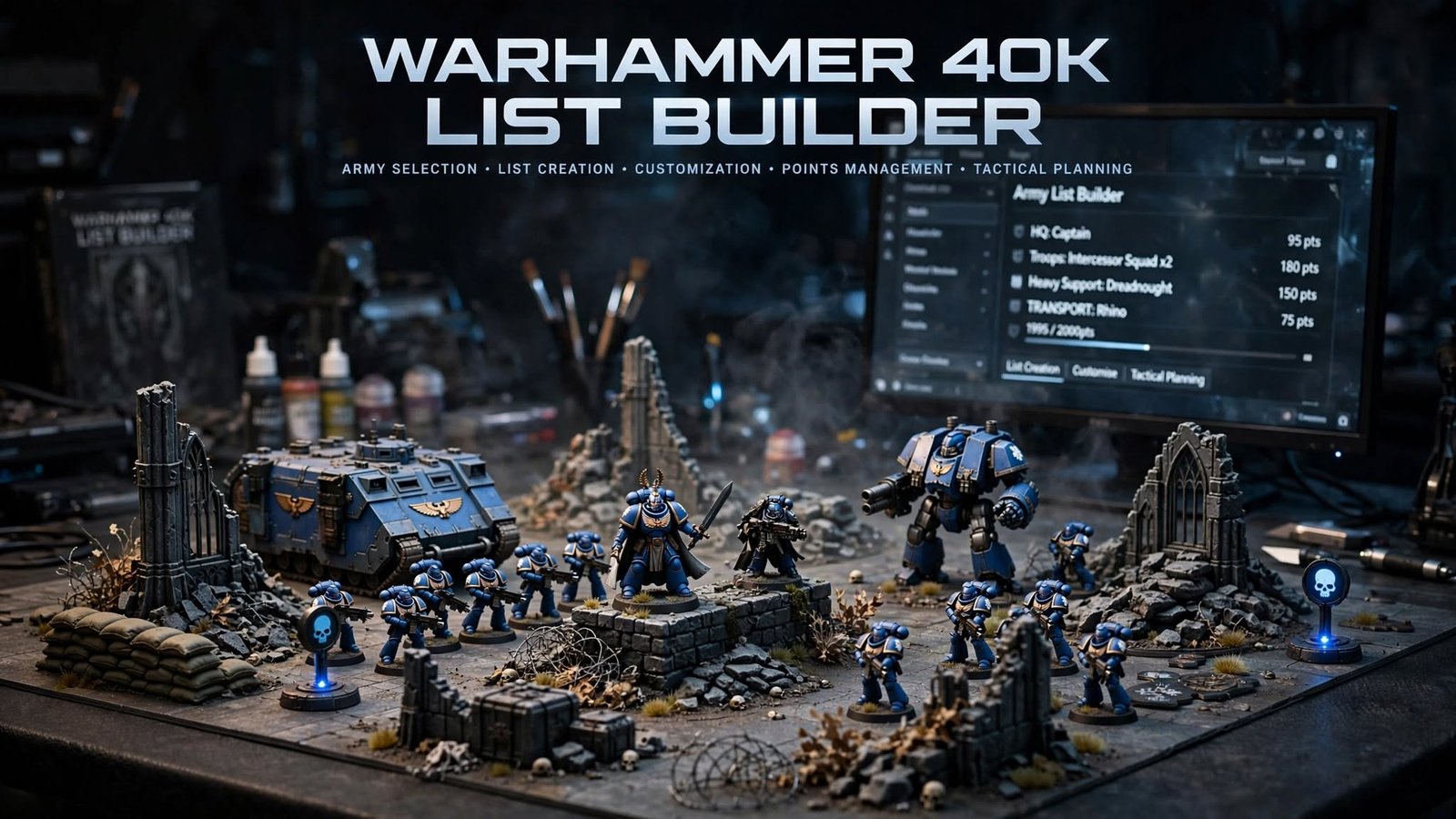
A Warhammer 40K list builder is a tool — official or community-made — that helps you assemble a legal army roster: picking a faction and detachment, adding units and characters, spending points correctly, choosing wargear and enhancements, and checking your list against current rules before you play. As of September 2026, the game runs on 11th Edition, and the tool you should trust most depends on what you need: the official Battle Forge tool inside Games Workshop’s Warhammer 40,000 app is the most authoritative source for current points and detachments, while free community tools like New Recruit, War Organ, and GrimSlate offer faster, more flexible list-building for casual games, mobile use, or multi-system collections — as long as you double-check their data against the official Munitorum Field Manual.
Last checked: September 15, 2026. Warhammer 40K’s points and detachment rules change on a regular cycle, so treat specific figures below as accurate at time of writing and verify anything points-related against Games Workshop’s current Munitorum Field Manual before a tournament or important game.
Table of Contents
What Is a Warhammer 40K List Builder?
A Warhammer 40K list builder helps you turn “I want to play a game” into an actual, legal army roster. Most tools handle some combination of:
- Army roster creation — assembling the units that make up your force
- Points calculation — automatically totaling the cost of everything you’ve added against your chosen battle size
- Unit selection — browsing your faction’s available datasheets
- Detachment selection — picking the specific detachment your army will use, which unlocks its own stratagems and restrictions
- Wargear selection — swapping weapon and equipment options where a unit allows it
- Enhancements — optional upgrades attached to eligible characters, at a points cost
- Faction rules — army-wide rules tied to your chosen faction and detachment
- Army legality checks — flagging illegal combinations, missing requirements, or overspent points
- Roster export and sharing — producing a printable, shareable, or app-readable version of your list
List builder vs. roster builder vs. army planner vs. points calculator
These terms get used loosely, but they aren’t identical:
- Army list builder / roster builder — usually the same thing: a structured tool that builds a full, validated roster.
- Army planner — often a lighter tool for sketching ideas or tracking a collection, without strict rules validation.
- Points calculator — just totals points; it may not check legality at all (some free tools, like Warhammerism’s 40K builder, are explicitly points-tracking only and don’t validate rules).
- Tournament list creator — a roster builder plus event-specific formatting, submission, or pairing features for organizers.
- General army-building guide — written advice on strategy and composition, not a tool that outputs a roster at all.
Knowing which category a tool actually falls into matters — a points calculator that doesn’t validate detachment rules can still produce an illegal list.
Read more: https://gamespuma.com/warhammer-40k-wallpapers/
Best Warhammer 40K List Builders
The tools below are all currently available as of this writing. “Best” here means best for a specific kind of player, not a single universal winner — the criteria are current-edition support, cost, platform reach, and how much actual rules validation each tool performs.
| Tool | Platform | Current Ruleset Support | Faction Coverage | Free or Paid | Account Required | Export Options | Best For | Main Limitation |
|---|---|---|---|---|---|---|---|---|
| Battle Forge (Warhammer 40,000 app) | iOS, Android | 11th Edition, updated by GW for new detachments and Force Dispositions | Full official coverage, expanding with each codex | Free (limited to one active list); full features need Warhammer+ | Yes, for full features | In-app sharing/printing | Players who want the single most authoritative source | Free tier caps you at one army list at a time; full functionality is behind a subscription |
| New Recruit | Web, mobile, offline | 11th Edition (plus AoS, Old World, Kill Team, Horus Heresy, more) | Broad, community-maintained data | Free (optional paid supporter tier for bonus features) | No account needed to view shared lists | Link, QR code, sync across devices | Players with multiple game systems, or replacing an old BattleScribe workflow | Rules data quality depends on community upkeep, not GW directly |
| War Organ | Android, Windows | 11th Edition, actively updated (v1.2.8.0, Aug 2026) | 40K-focused | Free, no paywall on core tools | Not required for basic use | Exports to Yellowscribe | Mobile-first players who want a no-frills builder | Windows/Android only — no iOS or browser-first version |
| GrimSlate | Web (progressive web app) | Built specifically around 11th Edition structures (Detachment Points, Leader/Support slots, transport rules) | 40K only, by design | Free, no ads | Not required | List export | Players who only play 40K and want offline access plus a combat calculator/battle tracker | No multi-system support, no BattleScribe-format import |
| ArmyDrop | Web | Not a rules-validation tool | Most factions, expanding | Free | Not required to build | Shareable visual roster images | Players who want a stylish, shareable visual list for social media or narrative play | Focused on visuals, not legality checking — pair it with an official source for rules accuracy |
| Warhammerism 40K Army Builder | Web | Edition-agnostic — does not validate rules or points | A few core factions | Free | No | Link-based sharing | Quick points tracking without commitment to one edition’s ruleset | Explicitly does not check legality — you enter your own points |
How to read this table: if you need certainty that a list is tournament-legal, start with Battle Forge or a community tool with active rules validation (New Recruit, War Organ, GrimSlate), not a plain points tracker.
Official vs. Third-Party Warhammer 40K List Builders
| Factor | Official (Battle Forge) | Third-Party / Community Tools |
|---|---|---|
| Rules-data authority | Comes directly from Games Workshop’s own Munitorum Field Manual and codex data | Depends on the maintaining team or community pulling data from official sources |
| Update speed | Tied to GW’s own release schedule for balance dataslates and codexes | Varies by tool — some update within days of an official change, others lag |
| Faction coverage | Full official coverage as codexes release | Often broad and fast, but can be incomplete for brand-new releases |
| Cost | Free with real limits (one list); full features need Warhammer+ | Mostly free; a few offer optional paid supporter tiers |
| User interface | Built specifically around GW’s own app ecosystem | Varies widely — some prioritize speed, others visuals, others multi-system flexibility |
| Army legality checks | Strong, since it’s built on first-party rules logic | Strong on tools designed for real validation (New Recruit, GrimSlate, War Organ); weak or absent on plain points calculators |
| Tournament compatibility | Broadly accepted, but check your specific event’s tournament pack | Widely used at events too — again, check the specific tournament pack |
| Data privacy | Tied to a Games Workshop account for full features | Varies; several tools explicitly allow list building without an account |
| Export and sharing | In-app sharing | Often stronger here — link sharing, QR codes, cross-device sync, visual exports |
| Risk of outdated information | Low, but still subject to normal patch delays | Depends entirely on how actively the specific tool is maintained — check last-update dates before trusting one |
The takeaway: official tools win on rules authority; community tools often win on flexibility, sharing, and multi-system support. Neither is automatically “safer” — the deciding factor is how recently a given tool was actually updated.
How to Build a Warhammer 40K Army List
- Choose a faction. Pick the army you own or want to play.
- Choose the game size and points limit. Common sizes include Combat Patrol, Incursion (1,000 pts), Strike Force (2,000 pts), and Onslaught (3,000 pts) — confirm current names and limits in your builder, since these are tied to the current edition.
- Select a detachment. This unlocks specific stratagems, enhancements, and detachment-wide rules.
- Add the required units. Most detachments set minimum requirements (e.g., a certain number of Battleline units).
- Add characters and leaders. Attach eligible Leaders to the units they can lead.
- Choose enhancements. Apply optional upgrades to eligible characters within any enhancement limits.
- Select wargear. Swap weapon and equipment options where a unit’s datasheet allows.
- Check unit restrictions. Confirm you haven’t exceeded per-list limits (e.g., on Epic Heroes or certain unit types).
- Review points. Make sure your total fits your chosen battle size.
- Check faction and detachment rules. Confirm your combination of units and detachment actually works together as written.
- Review mission-related considerations where relevant. Some units or wargear matter more for specific missions or secondary objectives — worth a look before a specific event.
- Export or save the roster. Produce a shareable, printable, or app-readable version.
- Verify the final list against current official rules. No builder replaces a final check against the current Munitorum Field Manual, FAQs, and errata — especially close to a points update.
Warhammer 40K List Builder by Army Size
Most builders support a range of standard sizes, though exact names and limits are edition-specific, so confirm current figures inside whichever tool you’re using:
- Combat Patrol — small, introductory-sized games using a fixed box of models, good for learning the basics
- 1,000-point games — often labeled a smaller standard size, good for quicker games or new players stepping up from Combat Patrol
- 1,500-point games — a mid-size option some groups use for club nights
- 2,000-point games — the most common standard size for casual and competitive play
- 3,000-point games — a larger standard size for bigger battles
- Tournament-sized armies — check the specific event’s tournament pack, since organizers can set their own points limit and restrictions on top of the standard rules
- Narrative or Crusade-style rosters, where supported — some builders include Crusade-specific tracking (like Order of Battle and Requisition points); others are matched-play only
Don’t treat an informal points limit used by your local group as an official tournament standard — always check the specific event’s own rules pack.
Warhammer 40K List Builder for Beginners
If you’re new to list building, a good tool should do more than just add up numbers:
- Understand points before you start. Know your battle size’s points limit before adding anything.
- Don’t overspend on upgrades. Enhancements and wargear swaps add up fast — a good builder shows your running total live.
- Build toward a balanced army, not just your favorite unit types — a mix of roles usually plays better than an all-in list.
- Watch for illegal combinations. A builder should stop you from combining units or wargear that can’t legally go together.
- Use the tool’s warnings, don’t dismiss them. Validation errors usually mean something needs fixing before you can play.
- Compare different detachments for the same faction before committing — they can play very differently.
- Save multiple versions of a list so you can compare options before buying more miniatures.
- Test a list on paper (or against a friend) before investing in models you don’t already own.
There’s no single army list that’s universally “the strongest” — effectiveness depends on your faction, detachment, the mission, your opponent, local meta, terrain, and the current points and rules.
Warhammer 40K List Builder for Competitive Players
Competitive list building leans harder on accuracy and speed than beginner list building. Look for:
- Current points validation tied closely to the latest Munitorum Field Manual
- Detachment rules modeled correctly, including any newer 11th Edition structures like Detachment Points and Force Dispositions
- Enhancement validation, including per-list and per-character limits
- Wargear legality checks for every datasheet option
- Tournament roster formatting that matches what your event actually asks for
- Export formats compatible with your tournament organizer’s system
- Version history so you can track changes across list iterations
- Quick editing for last-minute list tweaks
- Faction-specific restrictions correctly enforced
- Awareness of balance updates, FAQs, and errata — a tool that hasn’t been updated recently is a real risk here
- Sharing and review features so teammates or coaches can look over a list before an event
A list that is technically legal is not automatically a list that performs well. Legality is the floor, not the strategy — the tool checks the rules, it doesn’t judge matchups, missions, or your local meta.
Free vs. Paid Warhammer 40K List Builders
| Consideration | What to expect |
|---|---|
| Free access | Most current tools (New Recruit, War Organ, GrimSlate, ArmyDrop, Warhammerism) offer core list building with no cost |
| Premium features | Battle Forge’s free tier is limited to one active army list at a time; broader functionality sits behind a Warhammer+ subscription |
| Subscription models | Warhammer+ bundles Battle Forge’s full features with other Warhammer+ content (rather than being a standalone list-builder subscription) — check current pricing directly on Games Workshop’s site, since subscription pricing can change |
| Ads | Several free community tools are explicitly ad-free by design; check each tool’s own site for its current policy |
| Account requirements | Varies — some tools need an account for full features (Battle Forge), others let you build and share without signing up at all |
| Cloud storage / sync | Offered by several free tools (e.g., cross-device sync in New Recruit) |
| Export limits | Most current tools don’t meaningfully limit exports on their free tier — check the specific tool if this matters to you |
| Offline access | Some tools (like GrimSlate, built as a progressive web app) work fully offline; check before relying on one at a venue with poor signal |
| Update reliability | The single most important factor — check a tool’s last update date before trusting it for a big event |
| Privacy considerations | Tools that don’t require an account generally collect less personal data — worth weighing if privacy matters to you |
Don’t assume “paid” automatically means “more accurate.” Several free, actively maintained tools model current 11th Edition rules just as closely as the official app’s free tier — the paid layer mostly buys convenience (more saved lists, extra features), not better rules data.
How to Check Whether a Warhammer 40K Army List Is Legal
Use this as a checklist against any tool’s output, not just one product’s built-in validator:
- Points limit — does your total match your chosen battle size?
- Faction selection — are all units actually from your chosen faction (or a legally allied source)?
- Detachment — is your detachment correctly applied, with its specific requirements met?
- Unit limits — have you respected per-list caps on certain unit types?
- Character restrictions — are characters attached to units they’re actually allowed to lead?
- Leader eligibility — does each Leader meet the requirements for the unit it’s leading?
- Wargear options — are all weapon/equipment swaps legal for that specific datasheet?
- Enhancement limits — have you stayed within per-list and per-character enhancement caps?
- Allied units — if your army includes allies, are they permitted under current rules?
- Current datasheets — are you using the current version of each unit’s datasheet, not an outdated one?
- Current points documents — are your points pulled from the current Munitorum Field Manual?
- Tournament-specific requirements — does your event’s tournament pack add any extra restrictions on top of the standard rules?
Important: list-builder validation is genuinely useful, but it should not replace a final check against the latest official rules — especially right after a balance update, when tool data can briefly lag behind the official change.
Common Warhammer 40K List Builder Problems
- Outdated points — the most common issue; always check a tool’s last-updated date against the current Munitorum Field Manual
- Missing units — newer releases sometimes take time to appear in third-party tools
- Incorrect faction data — rare on actively maintained tools, but worth spot-checking after a big rules change
- Unsupported edition — some older or abandoned tools still show 10th Edition (or earlier) structures; avoid these for current play
- Wrong detachment rules modeled — especially an issue right after a new edition or codex changes how detachments work
- Invalid wargear options — check that swaps shown as “legal” actually match the current datasheet
- Missing enhancements — newly released enhancements can lag behind in less-active tools
- Duplicate units — usually a user error, but a good validator should still catch it
- Export errors — formatting issues when moving a list to a tournament system; test exports ahead of an event, not at check-in
- App crashes or sync problems — more common on mobile apps under heavy Wi-Fi/venue load; keep a backup export
- Login issues — an argument for keeping at least one account-free tool as a backup
- Incorrect tournament format — confirm your event’s specific points limit and restrictions before building
- Confusing abbreviations — datasheet and stratagem shorthand can trip up newer players; most tools include tooltips or glossaries
- Tools that have stopped receiving updates — the single biggest red flag; if a tool hasn’t been updated since before the current edition launched, don’t trust its rules validation
Practical troubleshooting: when in doubt, cross-check your list in a second tool, or against the official Munitorum Field Manual directly, before a tournament or important game.
Frequently Asked Questions
What is the best Warhammer 40K list builder? There isn’t one universal best — Battle Forge is the most authoritative source since it’s official, while free community tools like New Recruit, War Organ, and GrimSlate are strong alternatives depending on whether you want multi-system support, mobile-first design, or offline access.
Is there a free Warhammer 40K army builder? Yes. New Recruit, War Organ, GrimSlate, ArmyDrop, and Warhammerism’s builder are all currently free, and Battle Forge itself offers a free tier limited to one active army list.
What is the official Warhammer 40K list-building app? Battle Forge, built into Games Workshop’s official Warhammer 40,000 app.
Can I build a 2,000-point army list online? Yes — 2,000 points is one of the most commonly supported standard sizes across current builders, both official and third-party.
Which Warhammer 40K list builder works on mobile? Battle Forge (iOS and Android) and War Organ (Android) are mobile-native; New Recruit and GrimSlate both work well in a mobile browser too.
How do I check if my army list is legal? Run through the legality checklist above — points, faction, detachment, unit limits, wargear, and enhancements — and confirm against the current Munitorum Field Manual, especially after a recent points update.
Do Warhammer 40K list builders include current points? The actively maintained ones do, but “current” can lag by days after a big update. Always check a tool’s last-updated date.
Can I export or print a Warhammer 40K army list? Yes — most current tools support some form of export, printing, link sharing, or QR-code sharing.
Are third-party list builders reliable? Many are, especially ones with a track record of fast updates (New Recruit, War Organ, GrimSlate). Reliability depends on how actively each specific tool is maintained, not on whether it’s official or third-party in general.
Can I use a list builder for tournaments? Yes, but check your specific event’s tournament pack first — some organizers have export-format or list-submission requirements that go beyond the standard rules.
How often do Warhammer 40K points change? Games Workshop updates the Munitorum Field Manual on a roughly quarterly cadence, alongside periodic Balance Dataslates, FAQs, and errata — so points can shift several times a year.
Can a list builder help me decide which miniatures to buy? Indirectly — building and comparing a few list versions before buying can help you see which units you’d actually use, though it won’t tell you which army or unit is “best” since that depends on faction, meta, and playstyle.

Written by Daniel Carter
Daniel Carter is a dedicated gaming writer who enjoys turning complex gaming topics into clear, useful, and engaging content. He covers game guides, tips, reviews, features, and the latest developments across the gaming world. His approach focuses on research, accuracy, and practical value, helping readers discover new games, improve their gameplay, and stay informed about the industry. For Daniel, great gaming content is not just about information—it is about making every article genuinely worth reading.
1 thought on “Warhammer 40K List Builder: Best Army-Building Tools Compared”