
Quick answer: Path of Exile Trade is the official item-search website run by Grinding Gear Games. For Path of Exile 1, open https://www.pathofexile.com/trade, choose your league, search for the item you want, and whisper the seller to arrange an in-game exchange. Path of Exile 2 has its own separate site, reached at the /trade2 address (pathofexile.com/trade2).
Path of Exile Trade does not buy anything for you. It is a search tool for listings that other players have chosen to make public. You still need to contact the seller, meet in the game and complete the exchange yourself (the one partial exception, asynchronous trading, is covered below).
Table of Contents
Introduction
Almost nothing in Path of Exile is bound to your account, so items move freely between players. Learning Path of Exile Trade is one of the fastest ways to fix a weak resistance, replace a rare you cannot craft, or turn useful drops into currency instead of stash clutter.
This guide suits new players who have never opened the trade site as well as returning players who remember older community tools. You will learn how to reach the site, search and filter, buy, sell, price-check, handle currency, avoid common mistakes and troubleshoot problems. Wherever Path of Exile 1 and Path of Exile 2 differ, the difference is stated. For a deeper look at Path of Exile 1 alone, see our PoE 1 Trade guide.
One note on freshness: this guide was researched in October 2026. Leagues, interface wording and rules change often, so verify anything time-sensitive on the official site. At the time of research, third-party league trackers listed Curse of the Allflame (patch 3.29, started July 24, 2026) as the current Path of Exile 1 challenge league; confirm this in the site’s league selector.
What Is Path of Exile Trade?
Path of Exile Trade is the official marketplace search for the game. Players list items from public stash tabs or forum shop threads, and the site indexes them so you can filter by name, category, modifiers and price.
Two points about Path of Exile Trade matter immediately:
- A listing is an offer, not a guarantee. The item may already be sold, and the seller may be offline or busy.
- There is no fully automated auction house. The site finds the item; a real person still has to respond.
Path of Exile has no single universal gold-style currency for trading, which shapes how Path of Exile Trade works day to day. Items on the Path of Exile Trade site are priced in game currency items such as Chaos Orbs and Divine Orbs. That is why price-checking and currency awareness matter so much in Path of Exile Trade.
How to Access the Official Path of Exile Trade Website
Follow these steps:
- Open https://www.pathofexile.com/trade in your browser. This is the official Path of Exile 1 destination and, in our research, matched what official and community guides still use.
- Select the game version if the page offers a choice. Path of Exile 2 is searched through the separate /trade2 address.
- Sign in with the forum account linked to your game account when prompted. Some features, such as whispering sellers or saving searches, may require it.
- Pick your league from the league selector. Searches only cover the league you choose.
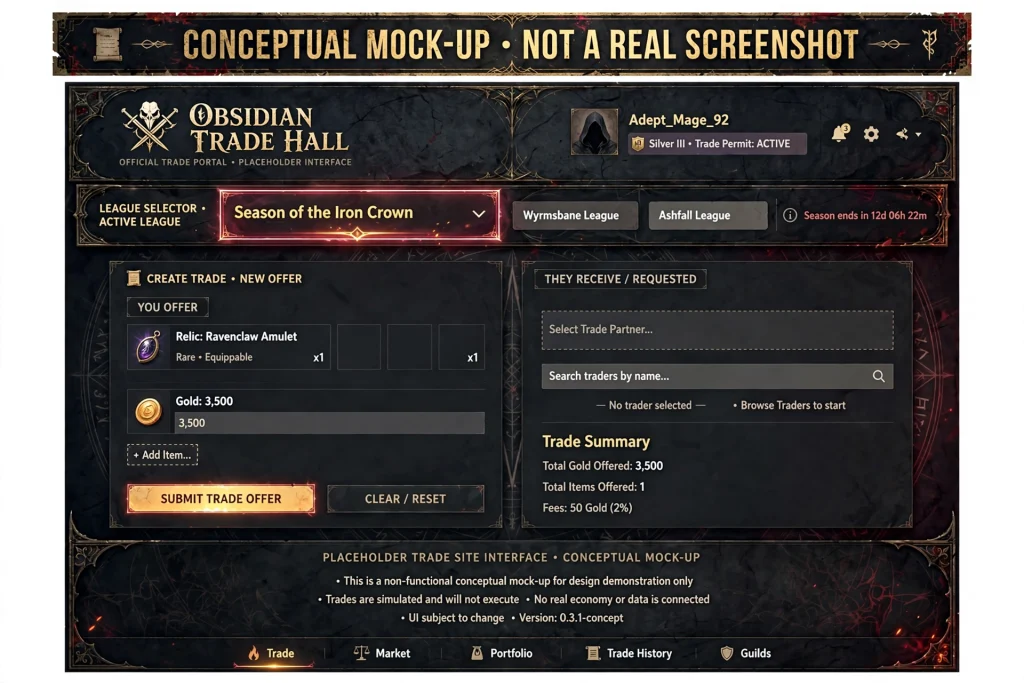
Some guides mention that the site defaults to a particular league, so always check the selector before searching. Seeing your own league in the dropdown is the single most useful habit in Path of Exile Trade.
Official Resources vs. Third-Party Tools
The official Path of Exile Trade site is maintained by Grinding Gear Games. Third-party tools, such as price-check overlays or build planners, are made by community developers and are unofficial. They can be useful, but they are separate services that you use at your own risk. Never enter your account password into any site other than the official Path of Exile website.
Path of Exile 1 vs. Path of Exile 2 Trading
The two games are separate products with separate trade sites. Keep these rules in mind:
- Use pathofexile.com/trade for Path of Exile 1 and pathofexile.com/trade2 for Path of Exile 2.
- Leagues, currencies, items and mechanics are different. A Path of Exile 1 item search will not show Path of Exile 2 listings.
- Path of Exile 2 guides describe a bulk exchange option on its trade site and an in-game currency exchange. Do not assume Path of Exile 1 works identically.
- Solo Self-Found (SSF) leagues cannot trade in either game.
The rest of this guide to Path of Exile Trade focuses on Path of Exile 1, with notes on Path of Exile 2 where useful. Check the in-game and website interface for your version, since early-access features can change quickly. For the full Path of Exile 2 process, read our Path of Exile 2 Trade guide.
Understanding Leagues and Search Filters
A league is a separate economy. Prices in Standard differ from prices in a new challenge league, and Hardcore markets differ again. If you search the wrong league, you will see irrelevant prices or items you cannot buy.
Before every session of Path of Exile Trade, confirm the league, then confirm the listing type. In Path of Exile 1, the site separates item searches from currency-style exchange, so make sure you are on the correct tab for what you want.
How to Search for Items on Path of Exile Trade
The easiest items to find are those with fixed names, such as unique items and gems. Rare items need more careful filtering because their value depends on modifiers.
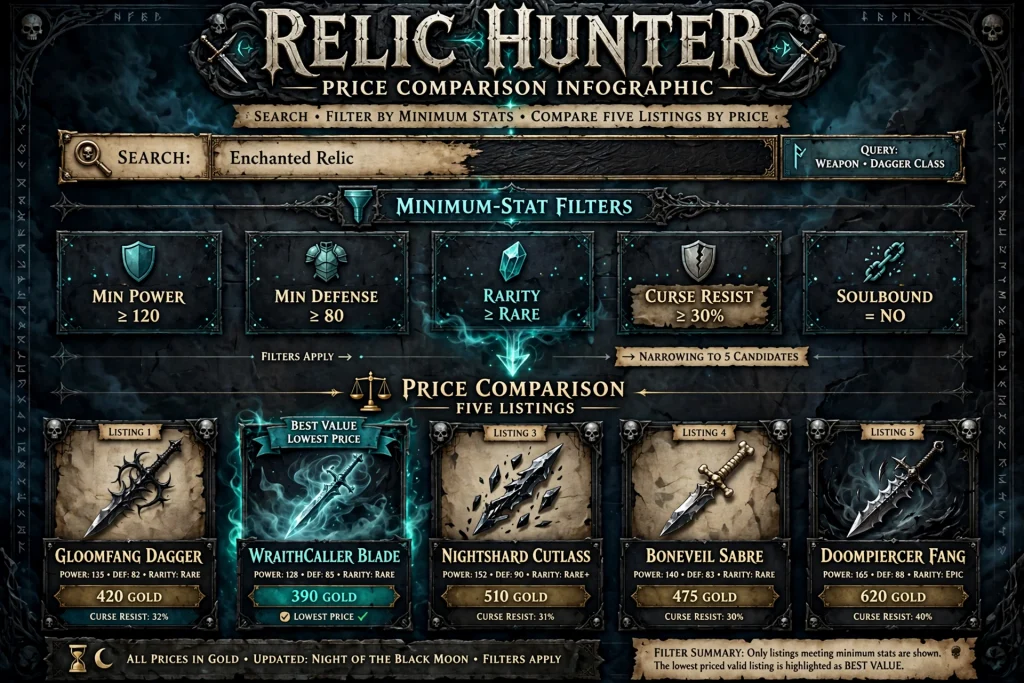
Searching by Name or Category
Type an item name into the search box, or select an item category such as helmet, ring or amulet. Category searches are best when you want a rare with specific stats rather than a particular named item.
Using Stat Filters
Stat filters are the core of Path of Exile Trade for rares. For example, you might need a ring with maximum life and two resistances. Add each stat, then enter a minimum value instead of an exact one. A minimum lets better rolls appear in results.
A realistic example: a build is capped on fire resistance but short on cold. Search the ring category, add a minimum life value and a minimum cold resistance value, and leave other stats open. Adjust the minimums after you see how many results appear.
Community databases such as poedb can help you learn which modifiers are possible on a given base. They are unofficial references, so treat them as study aids.
Setting Price Limits
Set a maximum price in the currency you actually hold. Sorting by price shows the cheapest matches first, but the cheapest listing is not always the best deal. Check the item’s full properties first.
Why Filters Return No Results
If Path of Exile Trade shows nothing, your search is probably too narrow. Common causes: too many stat filters, minimum values that are too high, the wrong league, or an unusual base type. Remove one filter at a time until Path of Exile Trade returns results.
Comparing Similar Items
Open several results and compare modifiers, item level, links and sockets where relevant, and corruption status. A listing that looks cheap may be missing the one roll you care about.
How to Buy Items Using Path of Exile Trade
The general buying process on Path of Exile Trade looks like this:
- Search and compare several listings.
- Choose a listing that matches your needs and budget.
- Contact the seller. The site provides a whisper option that copies a message you paste into the game chat. Starting a whisper does not complete a purchase.
- Wait for a response. Many sellers are busy mapping or offline. Not every message gets an immediate reply.
- Meet in the seller’s hideout or party if they invite you.
- Check the trade window carefully. Confirm the item and the price before accepting.
- Accept only when everything matches the listing you saw.
Be patient. A seller who asks you to wait a moment usually still intends to trade. If someone does not reply after a few minutes, move on to another listing.
Asynchronous Trading
Since patch 3.27, some guides describe an asynchronous trade option in Path of Exile 1 that works through a hideout vendor called Faustus and uses in-game gold. This is separate from the standard whisper process, and its costs and rules can change. Read the official in-game description before using it.
How to Sell Items Using Path of Exile Trade
To sell through Path of Exile Trade, you must make your items searchable. Per community guides and the Path of Exile wiki, the usual methods are:
- Premium stash tab set to public. Place an item in the tab, set its price, and the item becomes indexed on the trade site.
- Forum shop thread. You can list items in a thread in the official trading forums. This is more complex and, as the wiki notes, you need to bump the thread to keep it visible.
Because details such as how the indexer treats online status can change, verify the current requirements on the official forums or support pages before spending real money on stash tabs.
Price carefully. Underpriced items sell instantly, which usually means you lost value. Overpriced items sit unsold. Use the next section to find a reasonable price.
How to Price-Check Items
Price-checking on Path of Exile Trade means estimating value by comparing similar listings. The method works the same way in every league, but results change as markets move.
Compare these factors:
- Item type and base. A strong modifier on a poor base can be worth less than a decent modifier on a great base.
- Modifiers and rolls. Higher rolls on desirable modifiers raise value; irrelevant modifiers do not.
- Item level and requirements. Some modifiers need a high item level.
- League and market context. Early league prices swing wildly; late league prices are more stable.
- Currency denomination. Make sure you are comparing the same currency across listings.
Asking Price vs. Real Value
An asking price is only what a seller hopes to receive. Compare several listings, ignore extreme outliers, and consider how long similar items have been listed. A price that nobody pays is not the market price. This is among the most important lessons in Path of Exile Trade.
How Currency Trading Works
Currency is the money of Path of Exile. Chaos Orbs and Divine Orbs are commonly used, and their exchange ratio moves over time. Our PoE Currency guide explains each currency item and how to farm it.
Path of Exile Trade handles bulk currency differently from item listings. In Path of Exile 1, there is a currency exchange option that was added after the early days of the trade site, and many players now use it for orbs instead of searching for individual listings. Path of Exile 2 guides describe a bulk exchange tab on its own trade site.
For currency deals:
- Compare offers instead of taking the first one.
- Check ratios carefully, since a small mistake multiplies across large amounts.
- Do the exchange in small steps if you are unsure.
Common Path of Exile Trade Mistakes
| Mistake | How to avoid it |
|---|---|
| Wrong game or league | Check the selector and the URL (/trade versus /trade2) every time. |
| Overly restrictive filters | Use minimums, remove filters one by one. |
| Comparing dissimilar items | Match base, modifiers and corruption status. |
| Misreading modifiers | Read each line, including hybrid and tiered values. |
| Trusting asking prices | Compare many listings before deciding. |
| Contacting about outdated listings | Message recent listings first and move on quickly. |
| Misunderstanding currency | Confirm the currency type and quantity in the trade window. |
| Rushing the exchange | Read the window slowly before accepting. |
| Trusting suspicious sites | Use only the official site for official trading. |
Most of these errors are cheap to avoid. Make a checklist and run it before every purchase in Path of Exile Trade.
Is Path of Exile Trade Safe?
The official Path of Exile Trade site is operated by Grinding Gear Games, and using the official site for search is the safest starting point. That said, no trade is risk-free, since the real exchange takes place between two people in the game.
Sensible precautions:
- Never share your password, session cookie or login details with anyone.
- Avoid downloading unknown files or running programs a “buyer” or “seller” sends you.
- Be skeptical of offers that are far above or below normal prices.
- Only trade for items you actually searched for. Do not accept a different item than the one you agreed on.
- Check the trade window before you accept, every time.
- Use official channels for support questions.

Guides for Path of Exile 2 note that the game’s trade window mechanics reduce some older swap scams, but you should still verify each trade yourself. Do not treat any third-party tool, including price overlays, as risk-free. Technical users have also built API-based scripts, but sending your session cookie to any outside tool is a security risk and is not recommended.
Official Trade Website vs. Third-Party Tools
| Feature | Official trade website | Third-party tools |
|---|---|---|
| Maintained by | Grinding Gear Games | Community developers |
| Data source | Official public listings | Often built on official data |
| Typical use | Searching and listing | Overlays, price estimates, build planning |
| Risk | Lower | Varies; check reputation and permissions |
Some players use overlays, such as Awakened PoE Trade, that read item data and open or query the official trade site. These tools are unofficial. If you use one, download it only from its official project page and review the permissions it asks for. The fact that a tool is popular does not make it endorsed by Grinding Gear Games. For Path of Exile 2, our Exile Exchange 2 guide covers one such price-check overlay.
Troubleshooting Common Path of Exile Trade Problems
No search results. Remove filters, lower minimum values, widen the category and check the league.
Listing is no longer available. Items sell quickly. Try the next result and refresh your search.
Seller does not respond. They may be offline or busy. Wait a few minutes, then try another listing.
Hard to compare prices. Standardize your comparison: same league, same currency, same key modifiers.
Path of Exile Trade will not load. Refresh the page, try another browser, disable extensions and check Grinding Gear Games’ official announcements for outages.
You are unsure which game or league you are using. Look at the address (/trade or /trade2) and the league selector. If something looks wrong, restart the search from the beginning.
Login problems. Confirm that you are signed in to the same forum account linked to your game. Early-access features for Path of Exile 2 have had login quirks in the past, so check official channels if something fails.
Frequently Asked Questions About Path of Exile Trade
What is the official Path of Exile Trade website?
For Path of Exile 1 it is https://www.pathofexile.com/trade. Path of Exile 2 uses a separate address, pathofexile.com/trade2.
Is Path of Exile Trade free to use?
Searching the official site has not required payment in the guides reviewed, and the base game is free to play. However, selling through public stash tabs commonly involves premium stash tabs, which are paid. Verify current pricing in the in-game store.
How do I buy items with Path of Exile Trade?
Search for the item, compare listings, whisper the seller, meet in the game, check the trade window and accept only when it matches the listing.
How do I sell items in Path of Exile?
List them in a public premium stash tab with a price, or post them in a forum shop thread. Verify current requirements before paying for anything.
How can I check an item’s price?
Search for similar items on the site, match the base and key modifiers, and compare several listings. Treat asking prices as hints, not guarantees.
Why can’t I find an item on the trade site?
Your filters may be too narrow, the league may be wrong, or nobody may currently be selling it. Remove filters one by one.
Is Path of Exile 1 trading different from Path of Exile 2 trading?
Yes. They use separate trade sites, leagues and markets, and Path of Exile 2 has features such as a bulk exchange tab and an in-game exchange, which Path of Exile 1 does not mirror exactly.
Can I complete a trade directly from a website listing?
Generally, no. The site shows listings and gives you a whisper message. The exchange itself happens in the game, although Path of Exile 1’s asynchronous trading option offers a different route.
Can I trade in Solo Self-Found?
No. Solo Self-Found leagues disable trading.
Summary and Key Takeaways
- Official destination: https://www.pathofexile.com/trade for Path of Exile 1, pathofexile.com/trade2 for Path of Exile 2.
- Always check the league before you search.
- Listings are offers, not completed sales.
- Use stat minimums and loosen filters when no results appear.
- Compare several listings before buying or selling.
- Never share account details, and be careful with unofficial tools.
- Verify every trade window before you accept.
Conclusion
Understanding Path of Exile Trade turns the economy from something confusing into a tool you control. Pick your league, search with sensible filters, compare listings, price carefully and check each exchange slowly.
Your next step with Path of Exile Trade: open the official site, select your league, and run one practice search for an item your character needs. Compare five listings before you whisper anyone. Once that routine feels natural, Path of Exile Trade becomes one of the most useful habits you can build in Wraeclast.

Written by Daniel Carter
Daniel Carter is a dedicated gaming writer who enjoys turning complex gaming topics into clear, useful, and engaging content. He covers game guides, tips, reviews, features, and the latest developments across the gaming world. His approach focuses on research, accuracy, and practical value, helping readers discover new games, improve their gameplay, and stay informed about the industry. For Daniel, great gaming content is not just about information—it is about making every article genuinely worth reading.